CG Shortcuts — User Guide
Everything you need to know to get the most out of your membership.
Become a Member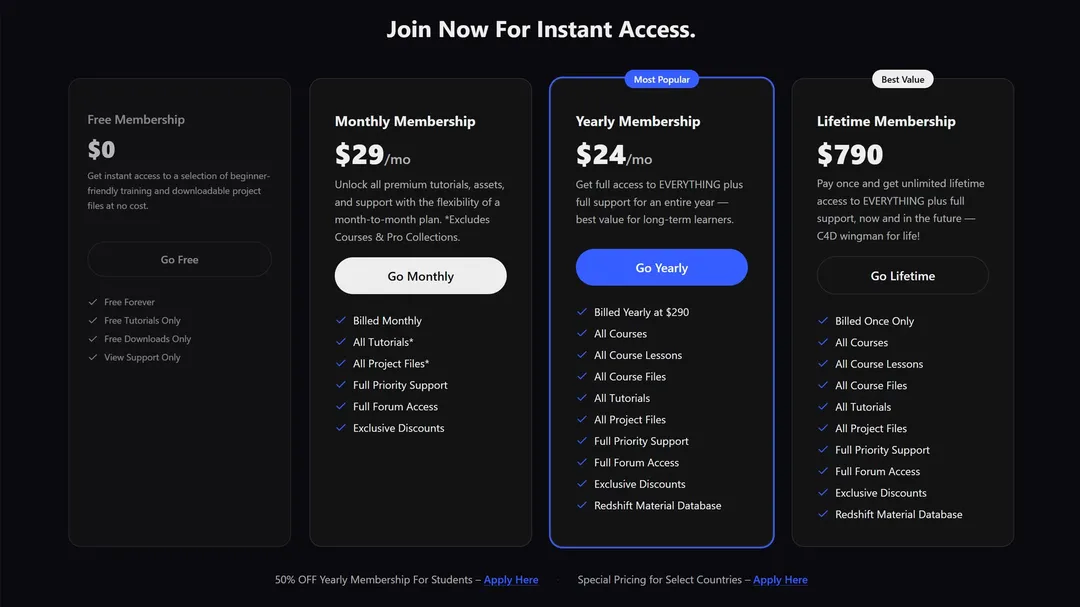
GETTING STARTED
How to Join
Free membership gives you limited access to the library. Paid membership unlocks the full catalogue — tutorials, lessons, courses, collections, and downloadable files. Choose Monthly, Yearly, or Lifetime depending on how long you want access.
- Monthly — flexible billing, cancel anytime
- Yearly — best value for committed learners
- Lifetime — pay once, keep access forever
CONTENT
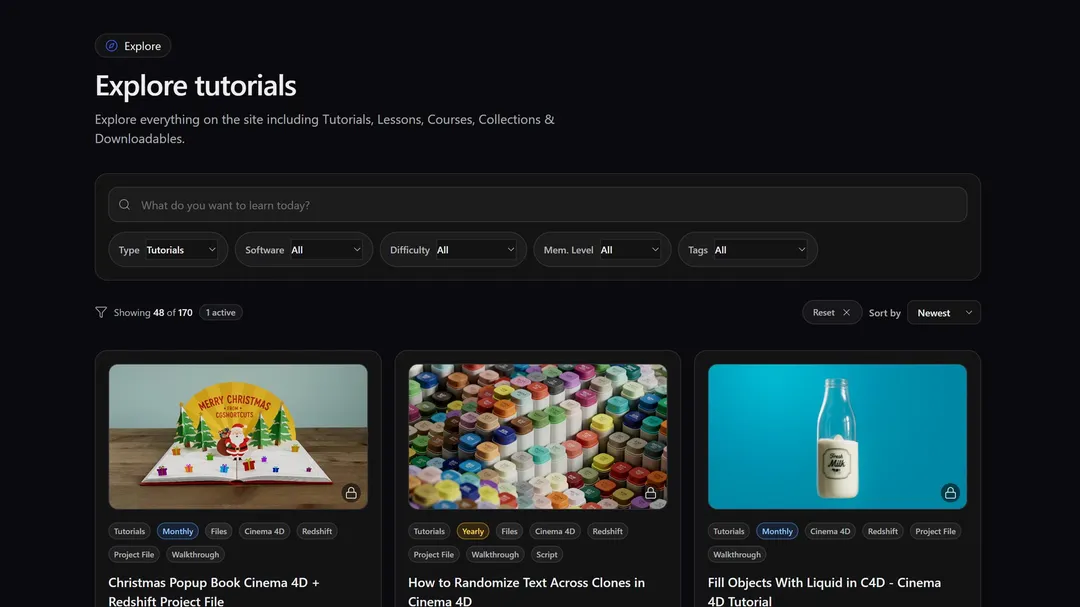
Browse Everything on the Explore Page
The Explore page is the hub for all content. Filter by type, Cinema 4D version, tags, or skill level to find exactly what you need. New training is added every month so there is always something fresh to dive into.
Go to Explore
Intro to Redshift Materials
12 min · Intermediate
CONTENT
Content Types Explained
Each format serves a different learning goal. Jump in wherever fits your workflow.
Focused videos on a single topic or technique.
Open Tutorials →LessonsDeeper dives that build skills step by step.
Open Lessons →CoursesStructured paths made of multiple lessons in order.
Open Courses →CollectionsCurated groups of related tutorials and lessons.
Open Collections →FilesProject files, assets, and downloads to use in C4D.
Open Files →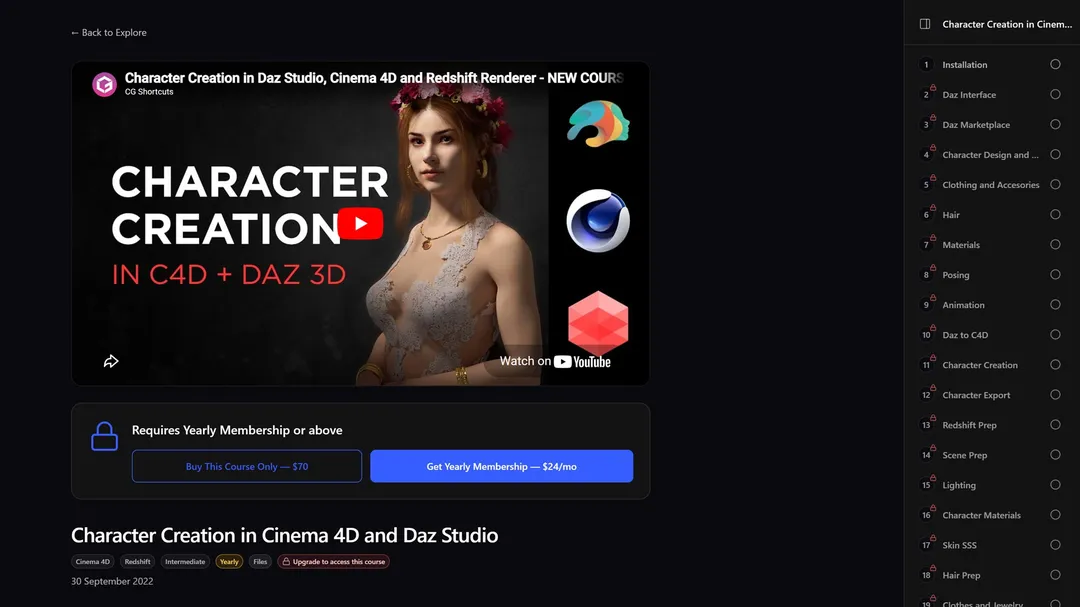
LEARNING
Structured Learning with Courses
Courses bundle lessons into a clear progression. When you open a course, a sidebar lists every lesson — click any entry to switch without losing your place or leaving the viewer.
Browse CoursesCOMMUNITY
Get Help — Post a Question in Support
Members can post questions in Help & Support. Dave answers personally — whether you need technical help, feedback on project files, troubleshooting, or career guidance.
Go to Help & Support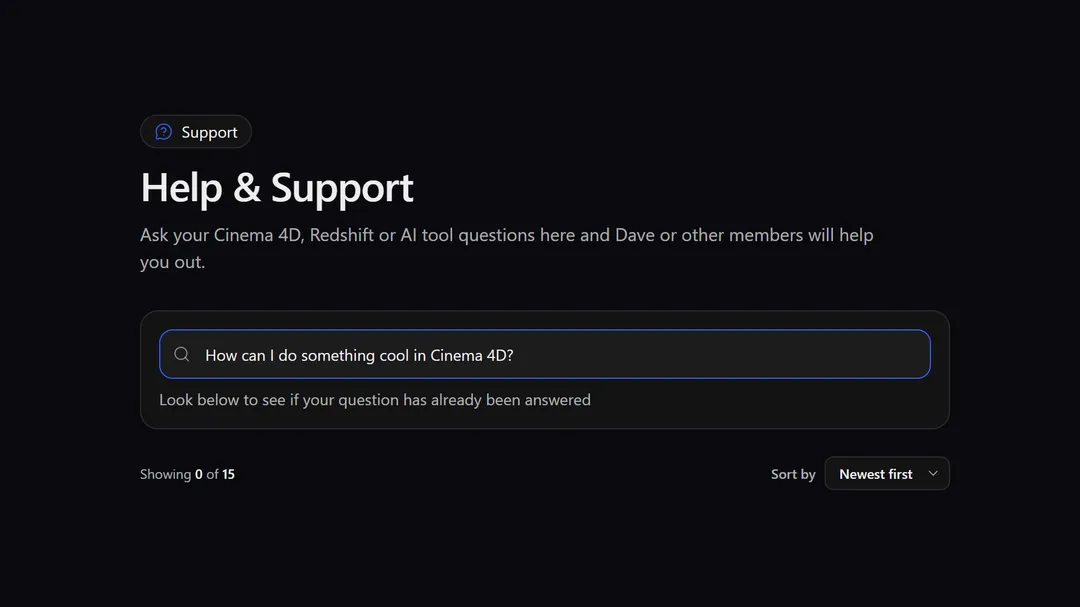
COMMUNITY
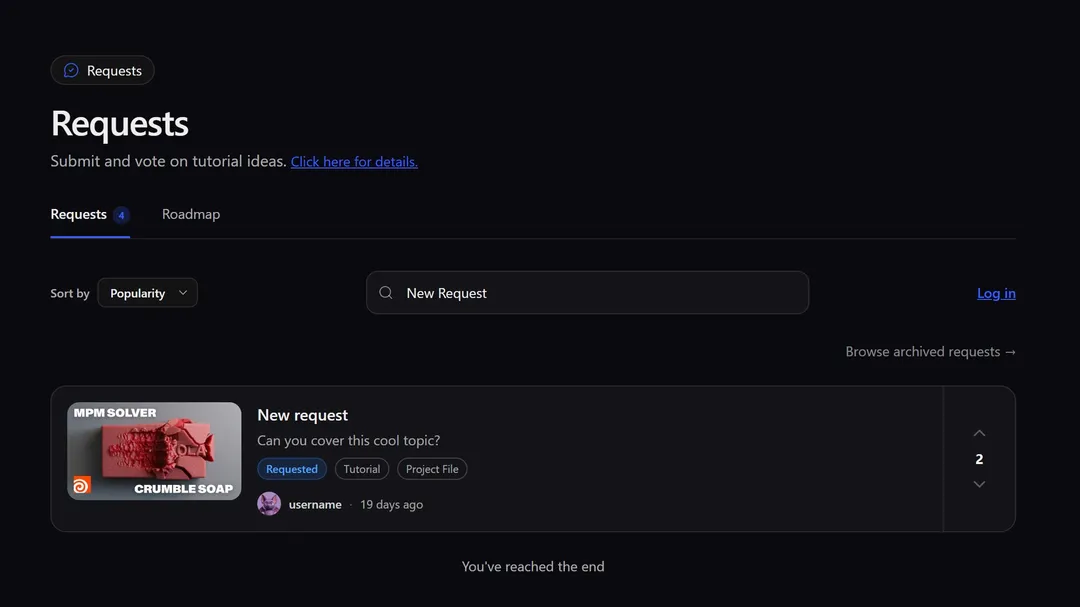
Request New Content
Have a tutorial idea or a technique you want covered? Submit a content request. Highly voted ideas are more likely to land on the production roadmap.
Make a RequestCOMMUNITY
See What's Coming — The Roadmap
The roadmap shows planned and in-progress content. Vote for what matters to you and subscribe to updates so you know the moment new training goes live.
View Roadmap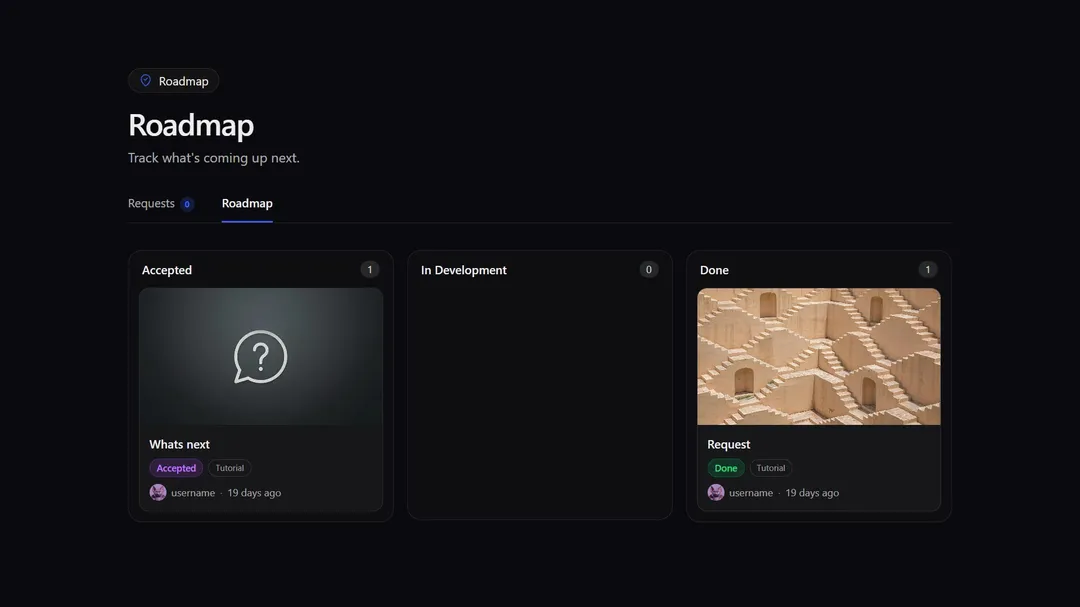
FEATURES
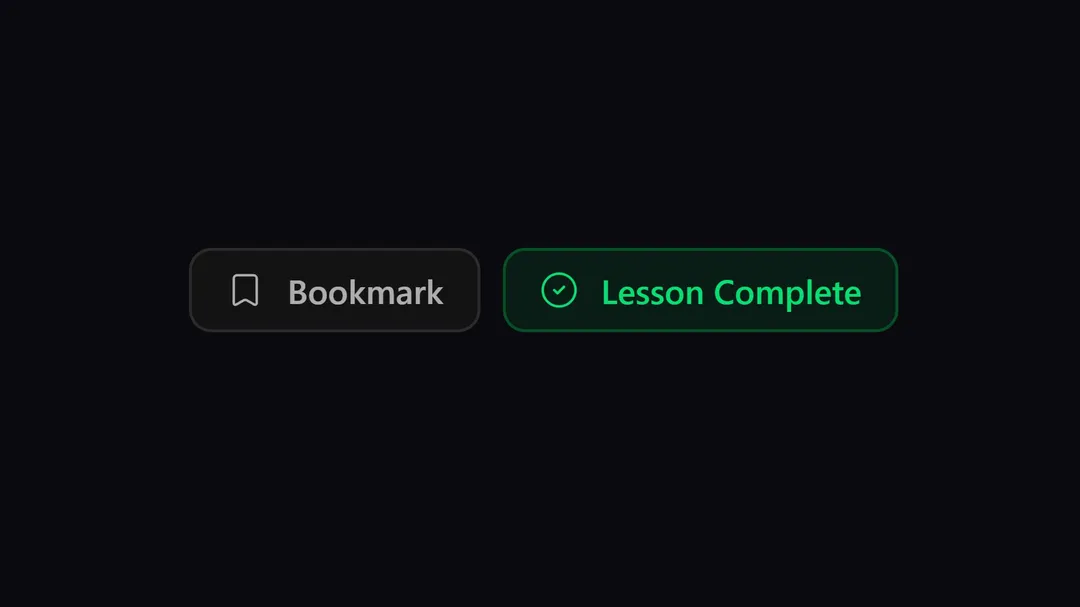
Bookmark Your Favourite Content
On any tutorial, lesson, course, or file page, use the Bookmark control to save it to your personal list. Open your account menu and choose the Bookmarks tab to review everything you have saved.
FEATURES
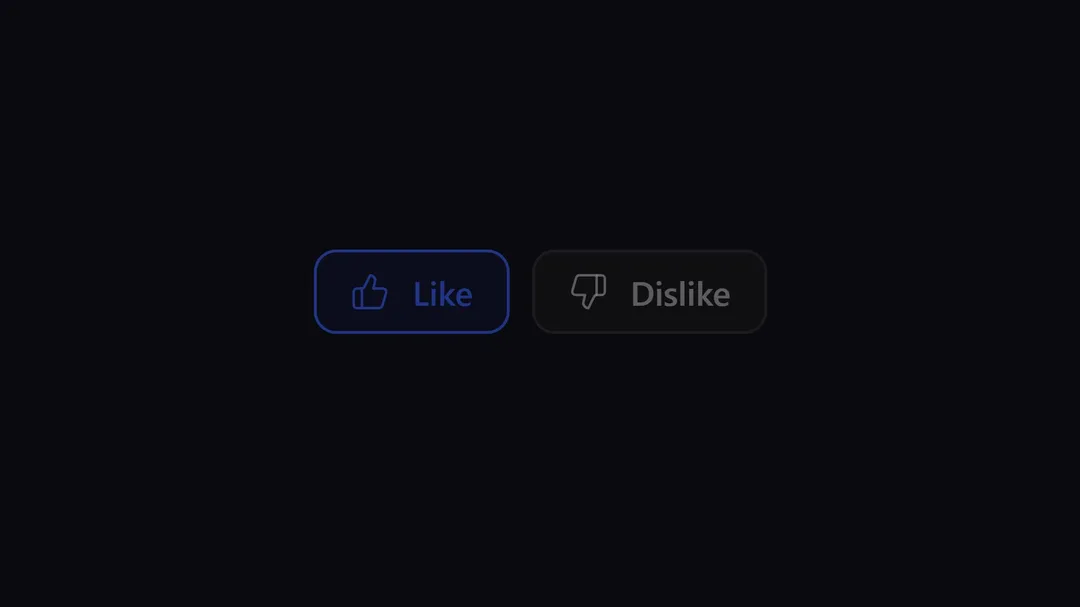
Like & Dislike Content
Like or dislike any item to share quick feedback. Aggregated reactions help prioritise what to produce next and how to tune the library.
FEATURES
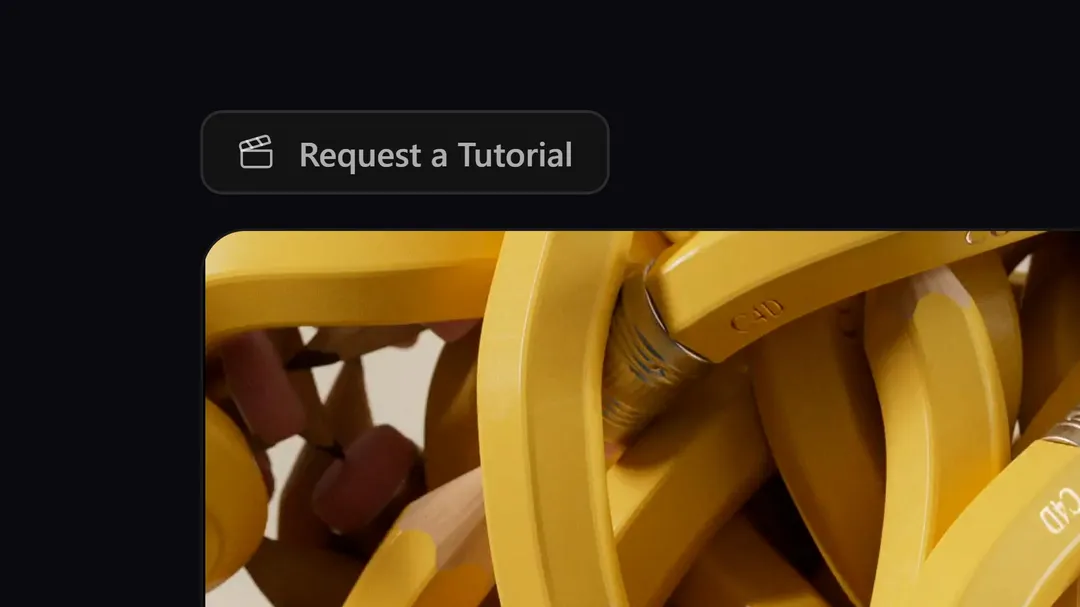
Request a Tutorial for a Downloadable File
On downloadable file pages, use "Request a Tutorial" when you want a video walkthrough for that asset. Your request helps decide which files get dedicated breakdowns.
Browse FilesMEMBERSHIP PERKS
Exclusive Member Discounts
Paid members unlock partner discounts on tools, plugins, and software used alongside Cinema 4D. Click your avatar, open Discounts, and copy codes when you are ready to buy.
POLICIES
Refund Policy
Yearly and Lifetime memberships include a 14-day money-back guarantee. If membership is not the right fit, use the Refunds page to submit a request. Monthly plans are not eligible for refunds.
View Refund PolicySUPPORT
Live Chat Support
For quick questions, use the live chat widget on any page. It connects you straight to support — look for the chat icon in the bottom-right corner.

Ready to get started?
Join thousands of Cinema 4D artists levelling up their skills with CG Shortcuts.