← Back to Support Anonymous10 months agoSolved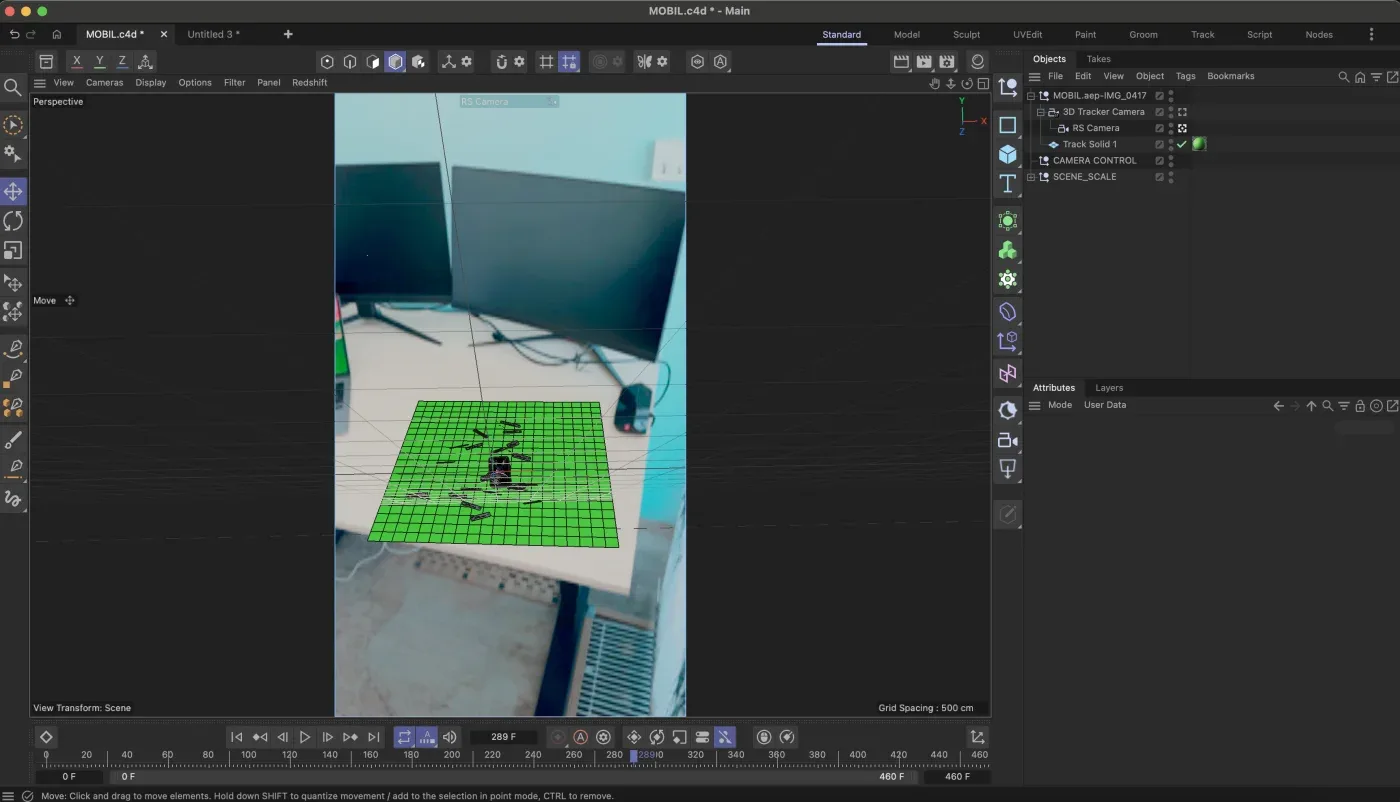
CAMERA TRACK
Hello, please, I have a question about camera tracking. I am trying track my scene, to put a phone on the table and make 3d notification pop.
I did tracking points in real life, shoot the footage on my phone, tracked it in After Effects and then I export it as C4D file and import to C4D. But my 3D models in scene drifting around, and its not glued to the footage. Can you please tell me any solution?
I tried C4D tracker aswell, but same result
398 views
Log in to join the conversation.

Hey Dominik,
I’m unfortunately not the best person to ask on this one — I purely focus on motion graphics in Cinema 4D, not VFX work. Tracking can be notoriously tricky to get right and really depends on a lot of variables and a good setup from the start. I’ve probably done maybe three jobs ever that involved tracking, and honestly, it was painful each time 😅. I’d have to spend more time using it myself before I’d feel confident giving proper advice — it’s something I’ll probably look into soon though, since a few people have asked about it lately.
In the meantime, you might find this Cineversity series helpful:
👉 Motion Tracking / Object Tracking inside Cinema 4D
As for some general tracking tips:
Make sure your camera’s
focal lengthandsensor sizein C4D match your real camera or phone’s settings exactly—this is super important.Try to include plenty of distinct, stationary tracking markers in your footage (avoid shiny or moving surfaces).
Check that your track has minimal error before exporting.
And once imported into C4D, double-check the
ground planeand scale alignment — sometimes a mismatch there causes drifting.Sorry I can’t be much help on this one! But I wish you the best with it — let me know how you go!